macOS Screen Sharing Flaw Shows Why Exposed Remote-Access Services Need Urgent Attention
This week in the Garden Dispatch, we examine: macOS Screen Sharing Flaw Shows Why Exposed Remote-Access Services Need Urgent Attention.
Let's dive in.
November 2026 — Vulnerability Analysis & Remote Access Security
An actively exploited authentication bypass in macOS (CVE-2026-65400) has allowed remote adversaries to fully compromise internet-facing Mac systems without possessing valid user credentials or authentication tokens. Rated as Critical (CVSS 9.8), the vulnerability was weaponized in the wild shortly after public proof-of-concept code surfaced, prompting cybersecurity emergency advisories and an immediate listing in the U.S. Cybersecurity and Infrastructure Security Agency's (CISA) Known Exploited Vulnerabilities (KEV) Catalog.
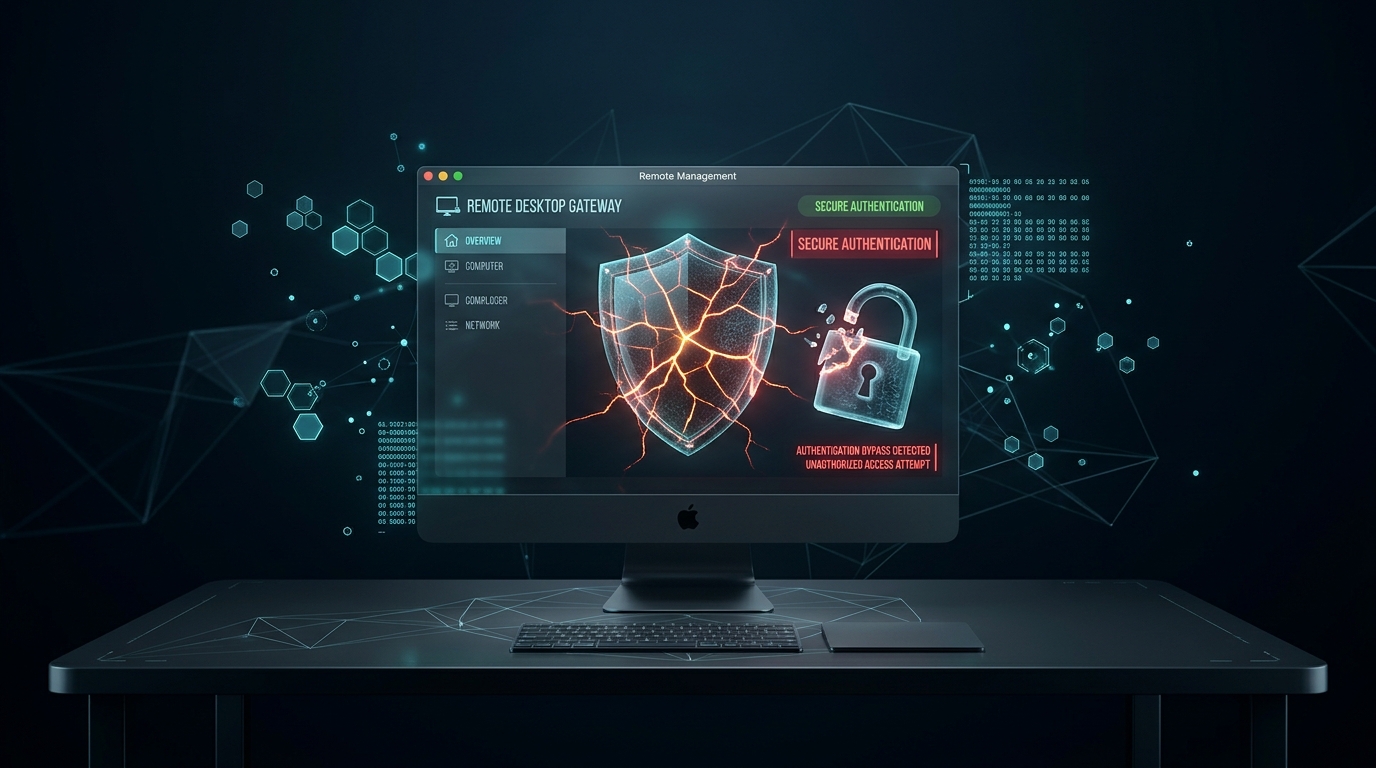
At a Glance: CVE-2026-65400 Telemetry
| Parameter | Specification |
|---|---|
| Vulnerability Identifier | CVE-2026-65400 |
| Vulnerable Component | macOS Screen Sharing daemon (screensharingd) / Apple Remote Management |
| Vulnerability Class | State-Machine Management Flaw / Pre-Authentication Bypass (CWE-287 / CWE-305) |
| Common Vulnerability Scoring | CVSS v3.1: 9.8 (Critical) — CVSS:3.1/AV:N/AC:L/PR:N/UI:N/S:U/C:H/I:H/A:H |
| CISA KEV Status | Added to Known Exploited Vulnerabilities Catalog (Mandatory Federal Remediation) |
| Threat Intelligence Alerts | NHS England Digital Cyber Alert CC-4835 (Active In-The-Wild Exploitation) |
| Primary Ingress Ports | TCP 5900 (VNC / Screen Sharing), TCP 3283 (Apple Remote Desktop Reporting) |
| Patched Operating Systems | macOS Tahoe 26.6.1, macOS Sequoia 15.7.9, macOS Sonoma 14.8.9 (or later) |
| Vendor Fix Date | August 6, 2026 |
According to Apple's official security advisory, a subtle state-management flaw inside the service allowed a network-positioned attacker to transition the authentication state machine directly into an authenticated session without completing cryptographic challenge-response handshakes. Apple released emergency security updates on August 6, 2026, addressing the flaw across macOS Tahoe 26.6.1, macOS Sequoia 15.7.9, and macOS Sonoma 14.8.9.
The Attack Surface: How screensharingd Handshakes Break Down
macOS Screen Sharing runs on top of the Remote Framebuffer (RFB) protocol combined with Apple Remote Desktop (ARD) authentication extensions. The background listener daemon, screensharingd, mediates incoming client connections over TCP port 5900.
Attacker (Remote Untrusted Network)
               │
               ▼  TCP SYN :5900
   ┌───────────────────────────────────────────────┐
   │  macOS Target Ingress (screensharingd)        │
   │                                               │
   │  1. RFB Protocol Handshake (RFB 003.889)      │
   │  2. Security Type Negotiation                 │
   │  3. [State-Management Desync Flaw]           │
   │     - Malformed state transition packet       │
   │     - Bypasses pam_authenticate verification  │
   │                                               │
   │  4. Session State Mutates -> AUTH_GRANTED     │
   └───────────────────────────────────────────────┘
               │
               ▼
   [ Unauthorized Remote Desktop Session Granted ]
               │
               ├──> Arbitrary GUI Interaction
               ├──> Terminal & Shell Execution via Terminal.app
               └──> Drop & Run Crypto-Mining Payloads
In standard operation, screensharingd requires clients to negotiate security types (such as Diffie-Hellman Key Exchange followed by macOS PAM user validation).
In CVE-2026-65400, sending an out-of-order state negotiation packet during the pre-authentication phase tricked the daemon's internal state machine into advancing to the post-authentication initialization state (kScreenSharingAuthStateEstablished) without verifying the client's credentials through Directory Service / OpenDirectory. Once the session state was flagged as valid, the daemon initialized the display pipe and granted the remote client unrestricted interactive control of the target desktop.
Active Exploitation in the Wild
The vulnerability poses an acute, immediate risk whenever macOS Screen Sharing is reachable from untrusted networks, corporate guest Wi-Fi, or exposed directly to the public internet.
Following the release of Apple's patches in August 2026, NHS England Digital issued cyber alert CC-4835 warning of active exploitation in the wild. Incident responders identified that compromised internet-exposed macOS systems were being breached via automated mass-scanning tools and swiftly hijacked to host cryptocurrency-mining malware (XMRig variants compiled for Apple Silicon).
Key observations from threat intelligence feeds and incident telemetry include:
* Rapid PoC Weaponization: Within days of Apple's patch disclosure, security researchers and threat actors reverse-engineered the patch diffs in screensharingd, releasing functional proof-of-concept exploit scripts into public repositories.
* Autonomous Port 5900 Scanning: Internet-scale reconnaissance platforms (such as Shodan and Censys) and malicious botnets engaged in continuous automated probing of IP ranges for exposed TCP 5900 ports returning Apple-specific RFB banner strings (RFB 003.889).
* Secondary Payload Delivery: Once attackers gained an unauthenticated remote desktop session, they launched Terminal, spawned non-interactive zsh/bash subshells, injected persistence mechanisms into ~/Library/LaunchAgents/, and downloaded obfuscated CPU miners configured to run under low priority to evade immediate user detection.
Remediation & Hardening Protocol for Administrators
Securing macOS environments against CVE-2026-65400 requires immediate patching combined with a fundamental audit of remote-access hygiene across home, lab, and enterprise infrastructure.
1. Apply macOS Security Updates Immediately
Ensure all Mac endpoints are updated to at least macOS Tahoe 26.6.1, macOS Sequoia 15.7.9, or macOS Sonoma 14.8.9 (or any later release) via: * System Settings: Navigate to System Settings → General → Software Update. * Terminal / CLI (Remote or Managed Systems):# Check for pending security updates
softwareupdate -l
# Download and install all recommended security patches
sudo softwareupdate -i -a --restart2. Disable Unused Remote Services
If Screen Sharing or Remote Management is not actively needed for daily tasks, disable it immediately: * GUI: Navigate to System Settings → General → Sharing and toggle Screen Sharing and Remote Management to Off. * CLI / MDM Script:# Stop and disable macOS Screen Sharing service
sudo launchctl unload -w /System/Library/LaunchDaemons/com.apple.screensharing.plist
# Disable Apple Remote Desktop (ARD) agent
sudo /System/Library/CoreServices/RemoteManagement/ARDAgent.app/Contents/Resources/kickstart -deactivate -stop3. Restrict Network Exposure & Eliminate Internet-Facing VNC Ports
Never map TCP port5900 or 3283 directly through residential router port forwarding or cloud firewall rules. When remote access is required:
* Place endpoints strictly behind an encrypted WireGuard, IPsec, or Tailscale / Zero Trust Network Access (ZTNA) mesh.
* Enforce firewall boundary rules permitting Screen Sharing connections only from dedicated corporate management subnets or VPN client pools.4. Audit and Investigate Endpoints for Prior Compromise
Because automated threat actors actively exploited internet-facing systems prior to and during the patch cycle, patching an already-compromised endpoint does not remove established backdoors. Administrators should perform forensic triage on any Mac that had Screen Sharing exposed:# 1. Inspect recent screensharingd connections in unified logging
log show --predicate 'process == "screensharingd"' --style syslog --last 7d
# 2. Check for unauthorized persistent LaunchAgents and LaunchDaemons
ls -la ~/Library/LaunchAgents /Library/LaunchAgents /Library/LaunchDaemons
# 3. Audit authorized SSH keys for unexpected entries
cat ~/.ssh/authorized_keys /var/root/.ssh/authorized_keys 2>/dev/null
# 4. Check active process telemetry for suspicious CPU consumption (mining activity)
ps aux -m | head -n 25If unrecognized outbound network connections or unexpected background binaries are detected, the affected system should be isolated, preserved for forensic analysis, and re-imaged from a trusted golden master or clean recovery installation.
The Broader Takeaway
The timeline and weaponization of CVE-2026-65400 reinforce a fundamental law of enterprise security: built-in remote-access features are top-tier targets for automated adversaries.
Services designed for human convenience often bundle legacy protocol state machines with deep administrative hooks. Leaving these services exposed directly to the public internet without defense-in-depth guarantees that whenever a zero-day or N-day authentication bypass emerges, automated scanners will exploit it within hours.
Organizations and individual developers alike must adopt a strict zero-exposure baseline: enable remote management services only when strictly necessary, isolate them behind authenticated VPNs, enforce least-privilege access, and apply emergency patches the day they are issued.